Thursday, January 19, 2017

Apps for Seniors


I work with a lot of Seniors to understand how to use their mobile devices. Recently I have been assisting people at Elderly Nutrition locations in Pasco County. It was after one of these events that I wondered about apps that would be useful to Seniors / Elderly users.


Geriatric Depression Scale (Free) iOS and Android - This simple app asks fifteen questions to measure the probability of geriatric depression. This is only a tool to help people decide whether they are in need of professional assistance, but it may be something that helps family members convince a loved one to receive care.


iCare Blood Pressure (Free) iOS and Android - Using the smartphone's camera and flash the app can approximate several measurements. I would not rely on the information to be exact but it might help a person with episodes of high or low blood pressure to know that they should take medicine or seek medical assistance. The information can be shared so users could send it to their doctor or a family member.


Round Health (Free) iOS only - This app helps users remember to take their medication. It has a beautiful user interface and allows for flexible or exact time notifications. It integrates with Apple Watch so users can dismiss notifications or mark that they took their medicine remotely. Round health has also created a special pill bottle that will alert the user when they need to refill their prescription.


Medisafe Pill Reminder & Medication Tracker (Free) iOS and Android - One of the most impressive things about this app is that it will integrate information from (participating) testing labs, popular pharmacies, your doctor (if they participate), and user provided information. The app allows communication between the patient and these partners so that a doctor might know if the patient missed taking a pill and a patient can receive test results on their device quicker than getting a phone call. At the app's most basic use you can keep track of your medications and receive reminders of when to take it. The interface is easy to understand and walks the user through the process.


 Dragon Dictation (Free) iOS and Dragon Mobile Assistant (Free) Android - One of the most difficult tasks for Seniors when using a mobile device is typing. Both apps, made by Nuance, allow the user to speak and have the app type for them. The reason I chose these dictation apps are their reputation for accuracy. The iOS app allows users to copy their dictation and post it where they need it, or the user can choose to open up one of a variety of apps with their dictated text. The Android app will talk to the user and allow them to complete a variety of tasks such as post to Facebook or send a text message without having to touch the device.


Quickgets Parking Reminder (Free) iOS only and ParKing Reminder (Free) Android only - Both of these apps are very simple; when you arrive at your destination the user taps a button in the app and it remembers where you parked. Users can choose from a map, satellite, or combined view. The app also displays multiple levels for users parking in a garage. If users are more technologically inclined Apple Maps and Google Maps have this feature but they are not as easy to use as these single purpose apps.

Thursday, January 12, 2017

New Exercise Apps for the New Year


I've reviewed quite a few exercise apps, if you would like to read some of those previous articles see below, but I thought with a new year a lot of people decide to exercise to lose weight or just be healthier. I will review some new exercise apps that are free, but if you don't mind paying a little, take a look at my source articles for some additional Premium apps.


AllTrails (Free, $29.99/yr.) iOS and Android - This app and website provides maps for backpacking, hiking, or cycling or perhaps just to take your pet on a walk somewhere new. Find new trails to experience, read reviews, and get helpful information. Users can upload pictures or record their journey to share with others. If users wish to download maps for offline use or create custom maps it will cost $29.99 a year.


 Cyclemeter (Free, $9.99/yr Elite ) iOS only - The app works like a very advanced cycle computer. It logs distance, calories, elevation, and much more. Users can view speed and ride information or have a map displayed for navigation. There are a ton of features if you pay for the "Elite" membership but for casual cyclists the free version may be enough.


Daily Workouts Free (Free) iOS, Android, Windows, Amazon - Free users get a limited selection of timed exercise videos (that users follow along with) for different muscle groups, and it's enough for most people. The app keeps track of the number of time you do each set of exercises, do enough and users unlock more videos. The app has pop-up and banner ads. A one time fee of $9.99 unlocks all of the other how to videos and eliminates ads.


Google Fit (Free) Android or web - The web version is just an exercise log but the Android app uses your phone or fitness tracker to give users all kinds of charts, graphs, and statistics. See all your food and exercise tracking in one place.


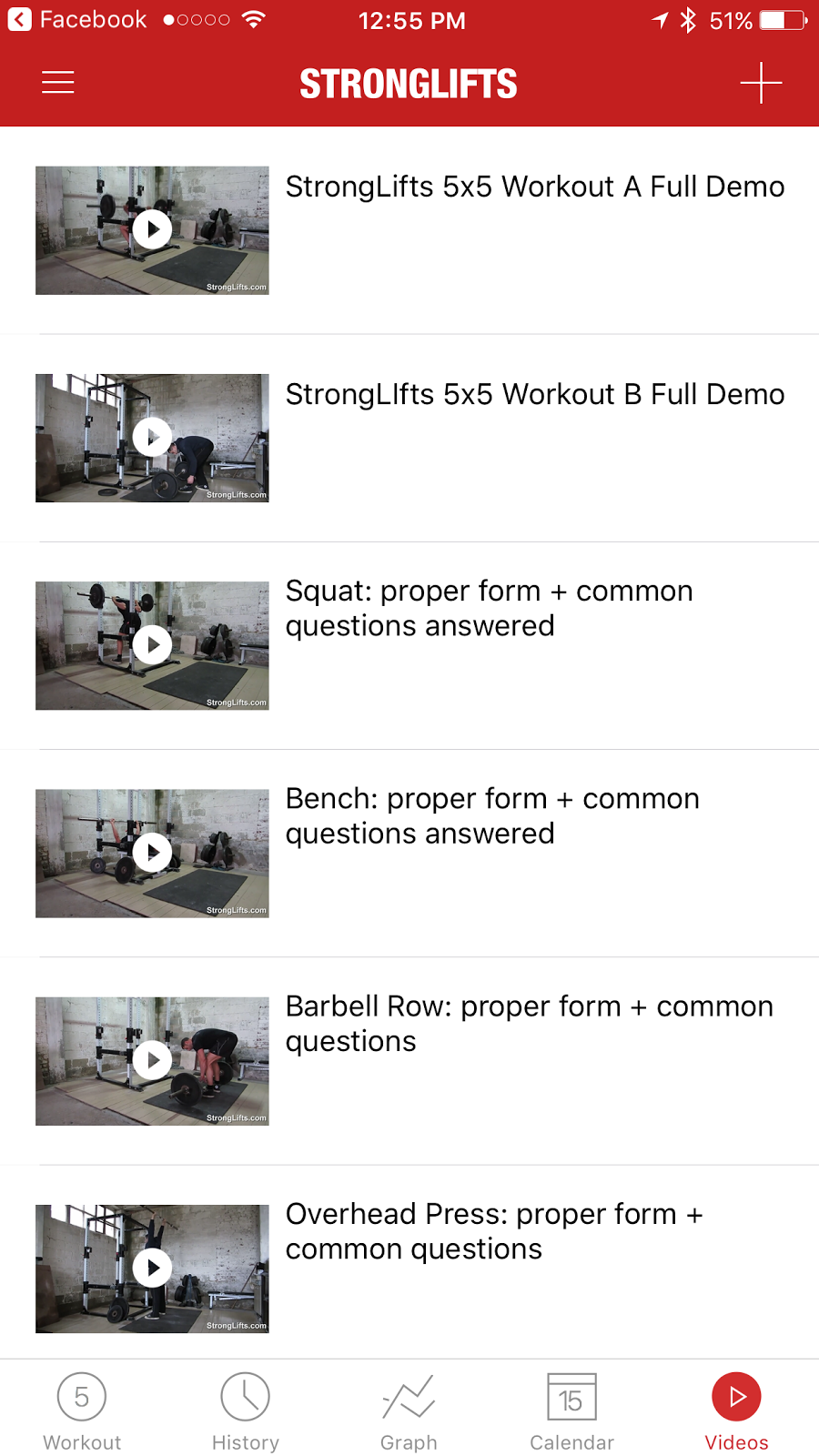
 StrongLifts 5x5 (Free, $9.99 Premium) iOS and Android - If users are looking to learn some strength training / weight lifting exercises this app provides how to videos, a plan, and tracking. For a one time fee of $9.99 the app provides a variety of extra features but they aren't necessary. Easy to use interface, with everything users need and nothing extra.


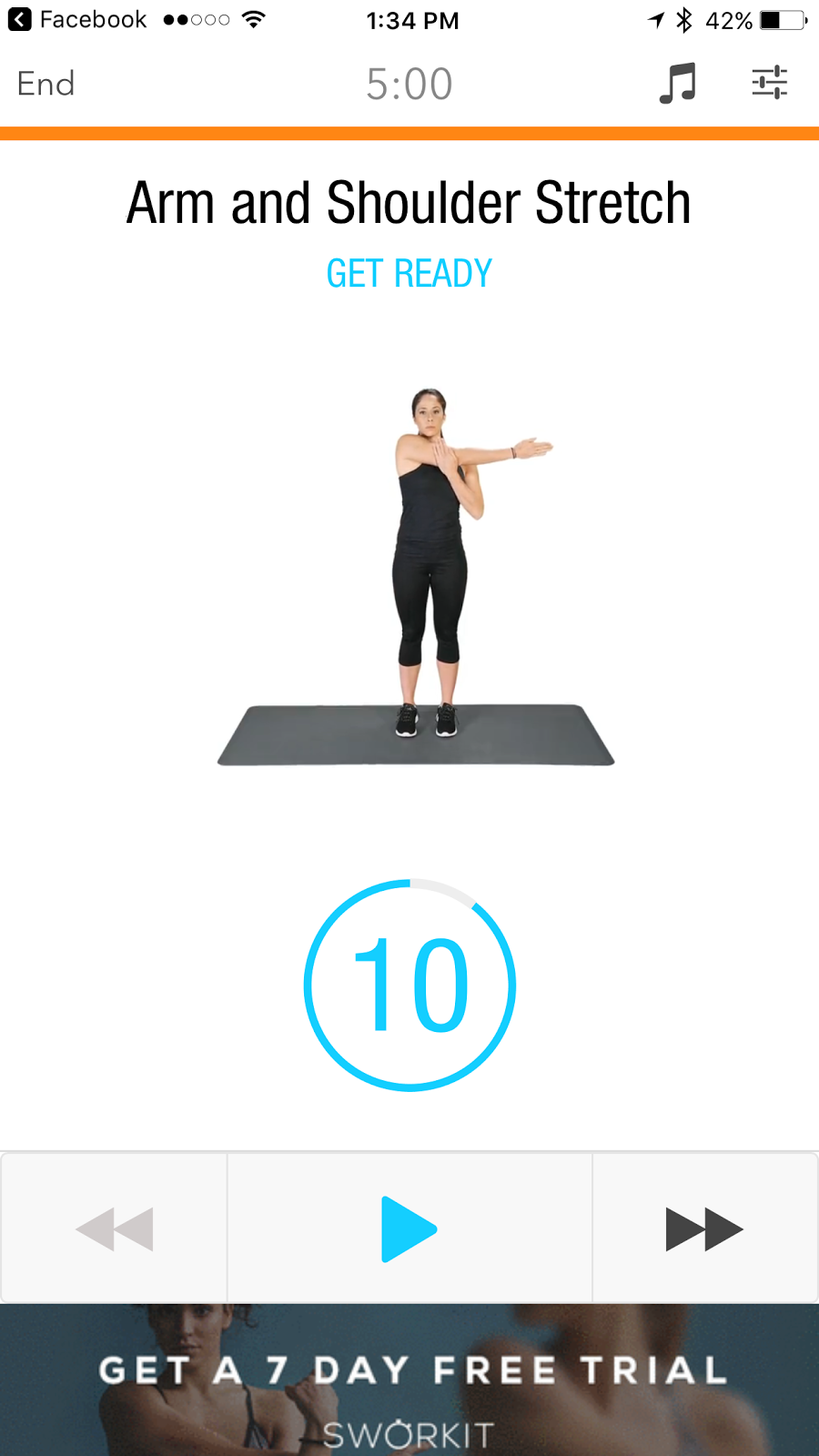
Sworkit (Free) iOS and Android - A daily work out app where the user follows along. It has a nicer user interface than Daily Workouts but less exercises. The app pushes its subscription services through banner ads, locked workouts, and pop up add after you finish a workout. One of the apps strengths is that it has some stretching and yoga exercises


 30 Day Fit Challenge Workout (Free) iOS and Android - Similar to those 30 Day Challenge charts that you might see on social media users start with a small number of a single exercise (or multiple exercises) and build up day by day to meet a designated number (or duration) by the end of 30 days. The user interface is pleasant and there are some nice features that the app provides for free: notifications, BMI (body mass index) calculation, and weight tracking. There are small unobtrusive banner ads at the bottom of the screen.  


 VeloPal (Free, $5.99/mo. or $39.99/yr. Elite) - Much like Cyclemeter the app is like a cycling computer. Made in collaboration with Garmin it is meant to work with fitness trackers and cycling sensors. The display is functional, easy to read, and the user interface easy to navigate. It just seems bland compared to Cyclemeter for basic users, but seems like it is more directed at dedicated cyclists. For most users the free app is enough but there are some nice features for Elite subscribers such as activity exporting and advanced ride analysis.


 Workout Trainer (Free, $6.99/mo. Pro) - Very similar to Daily Workouts and Sworkit this app has exercise videos where users follow along. I liked how easy it is to use the step by step menu to select the type of exercise, the length, and level of difficulty. The user interface is extremely easy to navigate. There are lot of interesting features such as exercise tracking, reminders, community, and trainers you can follow (to get tips from). There is a good variety of free exercises but if you want to unlock all the premium features it costs $6.99 a month.


Sources:

Best fitness apps: 7 iPhone and Android apps to get you fit while having fun in 2017 http://www.dailystar.co.uk/tech/news/574708/Best-fitness-apps-2017-for-iPhone-and-Android