I did a program a while back on how to get rid of cable and switch to streaming alternatives.
Listed below are some hardware, streaming services, and other resources to help give those looking for alternatives several options.
Over the Air Resources:
Antennae Selection: https://www.channelmaster.com/Antenna-Selection- a/134.htm
Channel Position: http://www.overtheairdigitaltv.com/tv-station- locator-tool/
Devices:
Apple TV - https://www.apple.com/tv/
Fire TV - https://goo.gl/NMHliy
Google Chromecast - https://goo.gl/uxfPNk
Roku - https://www.roku.com/products/compare#
Kodi Box - https://goo.gl/yg7hFs (prosecution of a seller in UK https://goo.gl/DTuPo7 )
Blu Ray players, Gaming Devices, Tablets, Smart Phones
Air TV - https://goo.gl/NTiZxQ
Sling Box - http://www.slingbox.com
Services:
Amazon –https://goo.gl/uy5OHT
Direct TV Now* - https://directvnow.com
Hulu – https://www.hulu.com
Netflix – https://www.netflix.com
Sling TV* – https://www.sling.com
Playstation Vue* - https://vue.playstation.com
*Each Sport Has Special Streaming as well.
Free Services:
Crackle - http://www.crackle.com/
Hoopla – http://www.hoopladigital.com
In the News:
The NVDIA Shield https://goo.gl/5Z31cZ
Caavo System allows you to watch via multiple devices https://goo.gl/HtqjBP
Great place to learn more: http://www.cordkillers.com/
Wednesday, April 12, 2017

Saturday, March 18, 2017
Post Card Apps
I recently drove from Tampa, FL to Anchorage, AK. I wanted to send postcard of the pictures I took. So, I tried some different postcard apps.
 Ink - unfortunately I had so many problems trying to find postcards in the app. that I gave up and deleted it. It seems this app is more for personalized regular cards .

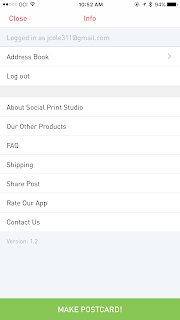 Post (Social Print Studio) - This app was easy to use and set-up. They make the payment portion extremely easy allowing users to use Apple Pay. They have nice templates, but their isn't much more users can do to customize the photo portion. The cost was $1.99 so not the least expensive but not out of the ball park. I believe the 4 by 6 is a good size. https://www.socialprintstudio.com/

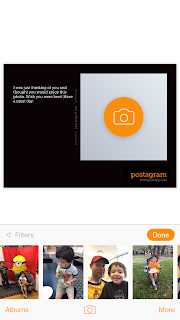 Postagram - I have used this app in the past because I believe it was one of the first. The app allows you one postcard for free. Then, it's .99 for each one and you can save if you buy in bulk. The PostgramPlus allows users to change the background for an additional charge. This type of thing annoys me, I'm already paying and the background choices aren't even very good. They have a cute feature where the picture on the postcard pops out so it can be saved independently. Unfortunately the picture on these cards are much smaller than other postcard apps. https://sincerely.com/postagram


Touchnote - I liked the templates and the ability to customize the picture portion. They have all these little add-ons that they want to charge for like special fonts. Again, I really don't like that and charging for things in "credits" where a credit equals $1.99 is annoying and LAME! Besides that the app does everything nicely: 4 by 6 post card, easy to use, and you can use a photo or graphic in the stamp's spot. https://sincerely.com/postagram
One of the things that I thought all of them handled well was payment, users can use Apple Pay or quickly add another payment method and it remembers the information. I have used a lot of apps where the sign up process and payment portion was a nightmare.
If you are really interested in a higher level of detail about these apps there is a far more in-depth article that I read here: https://www.dpreview.com/reviews/postcard-app-touchnote-postcard-postagram-ink-snapshot-postcard
So here are some of my favorite pictures from my trip to Alaska:



Touchnote - I liked the templates and the ability to customize the picture portion. They have all these little add-ons that they want to charge for like special fonts. Again, I really don't like that and charging for things in "credits" where a credit equals $1.99 is annoying and LAME! Besides that the app does everything nicely: 4 by 6 post card, easy to use, and you can use a photo or graphic in the stamp's spot. https://sincerely.com/postagram
One of the things that I thought all of them handled well was payment, users can use Apple Pay or quickly add another payment method and it remembers the information. I have used a lot of apps where the sign up process and payment portion was a nightmare.
If you are really interested in a higher level of detail about these apps there is a far more in-depth article that I read here: https://www.dpreview.com/reviews/postcard-app-touchnote-postcard-postagram-ink-snapshot-postcard
So here are some of my favorite pictures from my trip to Alaska:


Thursday, February 16, 2017
Tech News and Information
How did I come up with ideas for articles? Where do I get my technology news and information? I thought that I would give you a list of sources so that the curious could learn and maybe find a tool to help them in the future. When I am trying to come up with an idea for an article I listen to podcasts, look for a pattern in the tech news, read technology newsletters, or get ideas from readers.
Web Resources
Tech Meme - They aggregate technology news from multiple sources
Wired - I used to have a print subscription, now I have a digital subscription and use the website. They cover technology, science, trends, and how it impacts society.
New York Times Technology articles - I setup a recipe in IFTT (If This Then That) and I automatically get technology articles sent to my e-mail.
Nicole Hennig - she sends out a monthly newsletter that is aimed at Librarians. She has also written books, articles, and taught webinars. She is very smart, extremely talented, and I'm a little jealous. Her blog is a wealth of resources
These are all places that I check up for the latest articles on new technology, upcoming devices, computer programming, and the developments in the technology sector:
Engadget
Gizmodo
Hacker News
The Verge
Podcasts
Daily Tech News - first thing every weekday
Tech's Message - technology news with a UK perspective
Android App Arena - I watch when a category interests me
iOS Today - From time to time to hear app suggestions and Apple developments
This Week in Tech - To get a discussion about the week's biggest technology stories
This Week in Google - More of a discussion on the role of technology companies in our society, what is ahead for technology, just a little about Google
Exponent - a podcast that looks at the business and management side of the technology industry
Fixing I.T. and Programming Problems
You Tube - great how to videos
iFixit - Tools, tear aparts, how to, diagrams, and much more
Stack Overflow - coding, programming, and other insanity
Bleeping Computer - a community of I.T. people that have answers to problems
Web Resources
Tech Meme - They aggregate technology news from multiple sources
Wired - I used to have a print subscription, now I have a digital subscription and use the website. They cover technology, science, trends, and how it impacts society.
New York Times Technology articles - I setup a recipe in IFTT (If This Then That) and I automatically get technology articles sent to my e-mail.
Nicole Hennig - she sends out a monthly newsletter that is aimed at Librarians. She has also written books, articles, and taught webinars. She is very smart, extremely talented, and I'm a little jealous. Her blog is a wealth of resources
These are all places that I check up for the latest articles on new technology, upcoming devices, computer programming, and the developments in the technology sector:
Engadget
Gizmodo
Hacker News
The Verge
Podcasts
Daily Tech News - first thing every weekday
Tech's Message - technology news with a UK perspective
Android App Arena - I watch when a category interests me
iOS Today - From time to time to hear app suggestions and Apple developments
This Week in Tech - To get a discussion about the week's biggest technology stories
This Week in Google - More of a discussion on the role of technology companies in our society, what is ahead for technology, just a little about Google
Exponent - a podcast that looks at the business and management side of the technology industry
Fixing I.T. and Programming Problems
You Tube - great how to videos
iFixit - Tools, tear aparts, how to, diagrams, and much more
Stack Overflow - coding, programming, and other insanity
Bleeping Computer - a community of I.T. people that have answers to problems
Thursday, February 9, 2017
Black History Apps


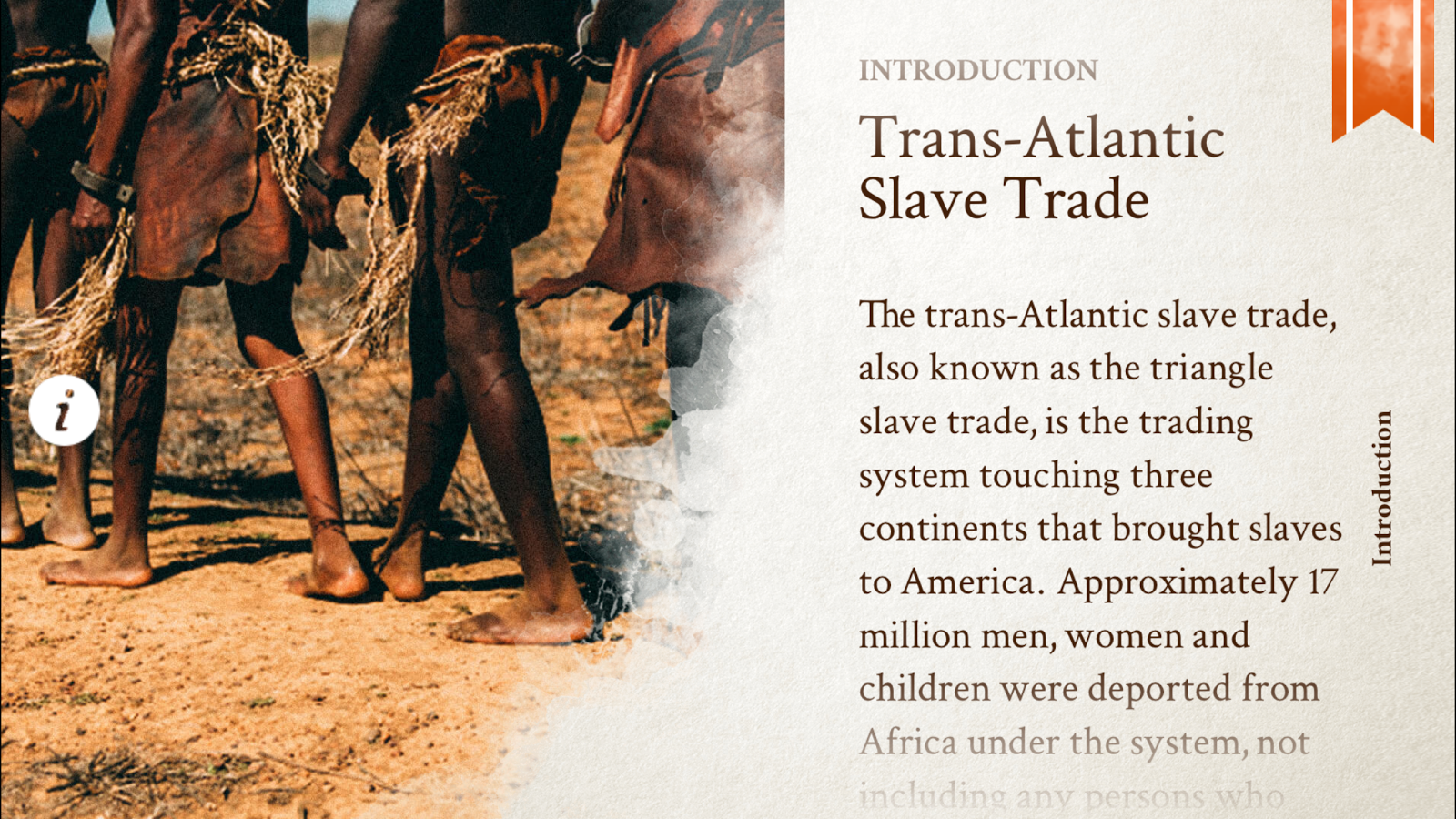
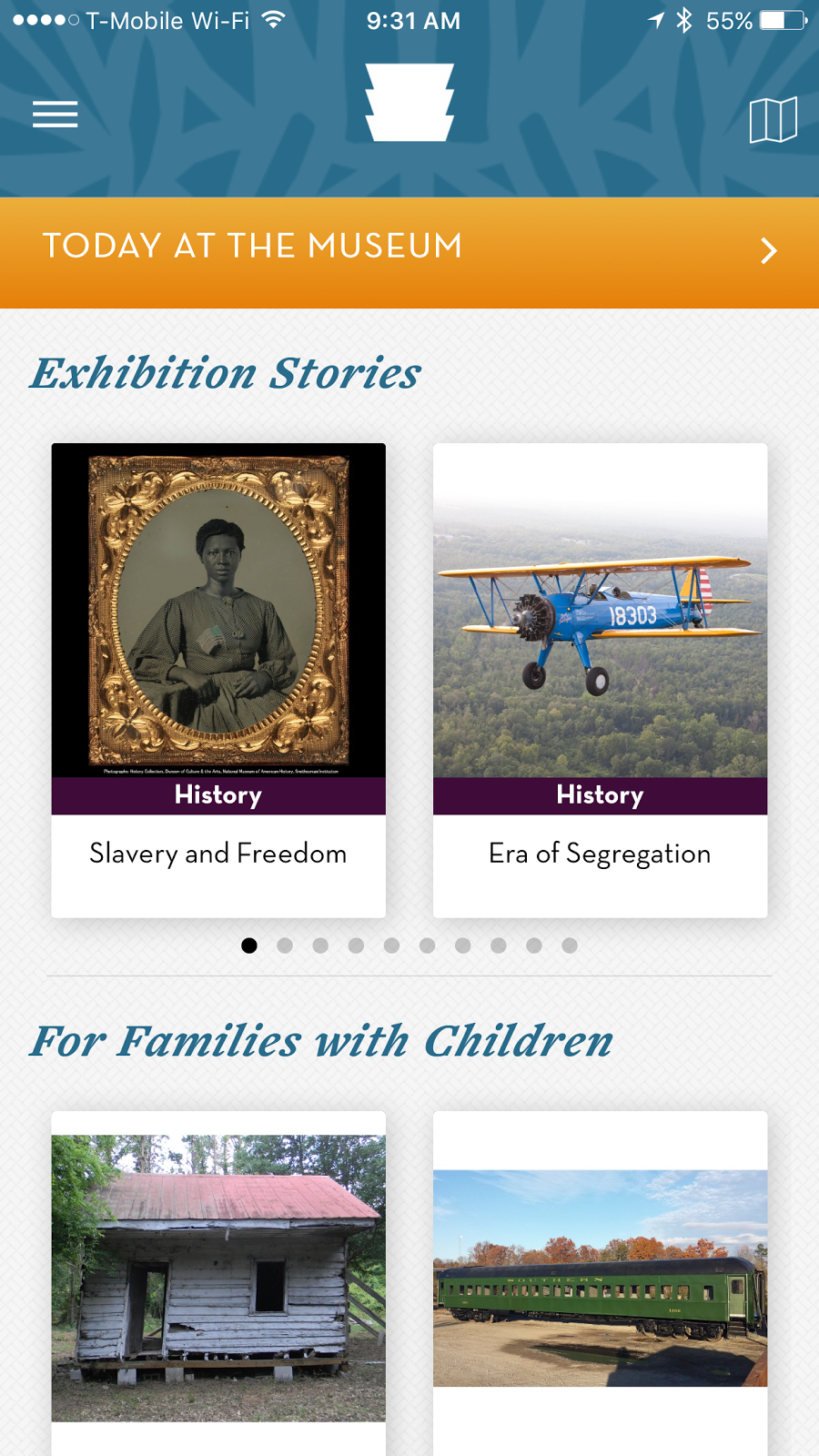
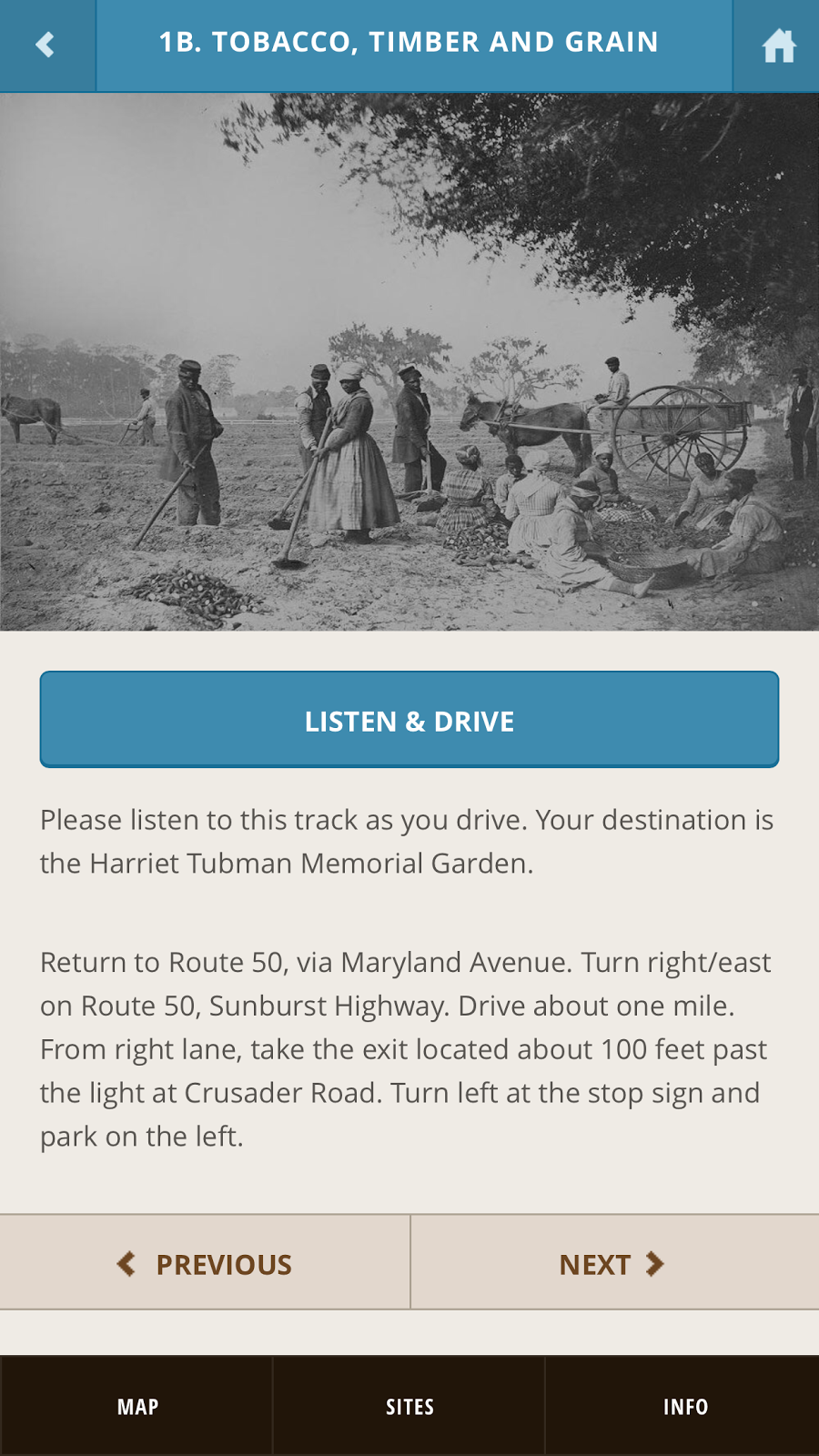
African American Historic Sites Database Virginia (Free) iOS and Android - This app teaches users about locations in Virginia where historic African American Events took place. Users can browser through a list or select locations from a map. Many of the locations have beautiful historic photos.


Black History Tribute (Free) iOS only - A very basic app that lists historic Black Americans alphabetically or by category. When a user selects a person they can see a photo and read a short biography.







Thursday, February 2, 2017
Better Understanding The Lingo
There are a lot of things that adults (and some times teens / young adults) see on the Internet and have no idea what it refers to or what it is short hand for. This week I will give you resources to better understand Internet slang, text messaging lingo, and Internet culture in general.
* WARNING: There are aspects of these items that are adult / mature in nature. There may be in cases discussion of sexuality or other topics that are of an extremely provocative *
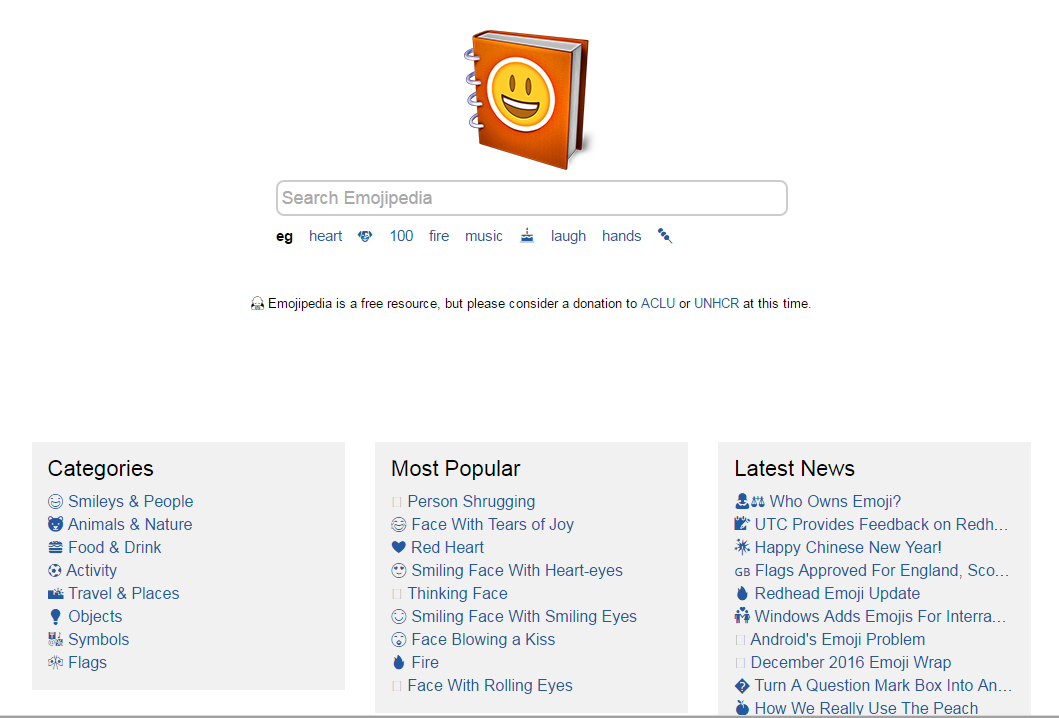

Emojipedia gives the history, background information, and definition about an emoji. It explains how the emoji means different things on different social media platforms. It also shows how the emoji is displayed on different platforms.


Netlingo has several categories to explain terminology from business, marketing, IT, and the Internet. This page deals with a long list of acronyms that are used online or in text messaging.


Know Your Meme take those pictures that you see with text and discusses their origin, background, when they became popular, what it can be shorthand. It's really fascinating.


Imgur is home to many of the viral pictures and short videos that make their way to social media. A very entertaining site with a devoted community of users that comment and submit images.


Reddit is an online community that often makes it into the technology news for the bad behavior of its users and the difficult role of the site's owners. The site tries to be a place where people can discuss and share all kinds of things but sometimes this means users push the limits of what is acceptable. The front page of Reddit is usually entertaining and contains stories, images, memes, that become popular later on Facebook and Twitter. There are groups to discuss and learn about a wide array of topics. One of the ones a lot of my friends enjoy is "Explain Like I'm Five" which simplifies a concept to very basic terms.
Urban Dictionary has lots of terms that teens and adults use as slang, lingo, short hand, etc. There are a lot of mature and adult items on the website. The link that I provided is there guide to acroymns.
I thought this Time magazine article might be helpful, "116 Teen Text Terms Decoded for Confused Parents"
Urban Dictionary has lots of terms that teens and adults use as slang, lingo, short hand, etc. There are a lot of mature and adult items on the website. The link that I provided is there guide to acroymns.
I thought this Time magazine article might be helpful, "116 Teen Text Terms Decoded for Confused Parents"
Thursday, January 26, 2017
Apps in the News
Mental Health: In a recent study the use of specially created apps helped reduce anxiety and depression in a significant number of study participants. More studies are necessary to verify the results but it was so promising that some participants claimed to have little to no more symptoms of anxiety or depression. To learn more read: http://www.livescience.com/57394-mental-health-treatment-smartphone-apps.html

Google Voice has received its first major updates in five years. The app (available on iOS and Android) allows users to use a single phone number across multiple devices and with the current update users can send group texts, photos, and receive voicemail transcriptions. To learn more read: https://www.cnet.com/news/google-voice-update-adds-new-design-group-messaging-support-and-more/

Google Plus is not dead. The social media platform that receives little attention received three recent updates that upgrade
handling comments, seeing more in your feed that you might be interested in, and bringing back events to the community. Learn more here: http://www.androidcentral.com/google-update-adds-new-comment-moderation-brings-back-events

Evernote released an interface update to their app for iOS. The update is intended to allow users to access options much quicker and easily and integrate photos, audio, and text in a single note with less steps. To watch a video which illustrates the changes and read more check out: http://www.ubergizmo.com/2017/01/evernote-8-ios-major-overhaul/

Blynk is a new app that makes it easy for makers using Arduino or Raspberry Pi computers to control a process through their smartphone. Before this app users would have to create an app from scratch but now it is possible to create something in 50 seconds. The article has a step-by-step video showing how it works: https://lifehacker.com/blynk-makes-creating-mobile-apps-to-power-arduino-or-ra-1791446978

Meitu is a new viral app that allows users to use filters to create cute anime looking images. It reminds me of some Snap Chat filters, BUT it asks for a lot of permission on your device like your unique identifier, contacts, location, carrier information, SIM card information. Wi-Fi network information, and more. You might say, "I'll use it once and then delete it.". The problem is once a user says yes to the permissions they have handed over a lot of information about them selves that they don't take back after they delete. To hear what experts have to say, read: https://lifehacker.com/blynk-makes-creating-mobile-apps-to-power-arduino-or-ra-1791446978

Merlin Bird Photo ID, is a free app available for both iOS and Android created by researchers from Caltech and Cornell University. It needs a clear, quality photo, to match the picture against a database of 650 North American bird species. The app takes advantage of a database of over one million photos then leverages machine learning and visual classification data. Read all about it: http://www.seeker.com/snap-a-bird-photo-and-this-app-tells-you-the-species-2178518321.html

In iOS 10.3 (the next version of Apple's operating system) , apps will be limited to asking users to rate the app three times in a year. If you use apps as often as I do this is a relief because certain apps ask almost every time you use them. Another improvement is that users will not have to leave the app and go to the iTunes / App Store to review an app. http://www.recode.net/2017/1/24/14375558/apple-limit-app-rating-reminders

Netflix users on Android can now download certain titles to their SD card instead of internal storage. This can be helpful for users that want to download with a phone and watch on a tablet or if they have a small amount of internal storage with a large SD card attached. Get the details: http://www.pcmag.com/news/351283/netflix-adds-sd-card-download-support-to-android-app
Subscribe to:
Posts (Atom)