Showing posts with label iphone. Show all posts

Thursday, September 22, 2016

Messages versus Allo

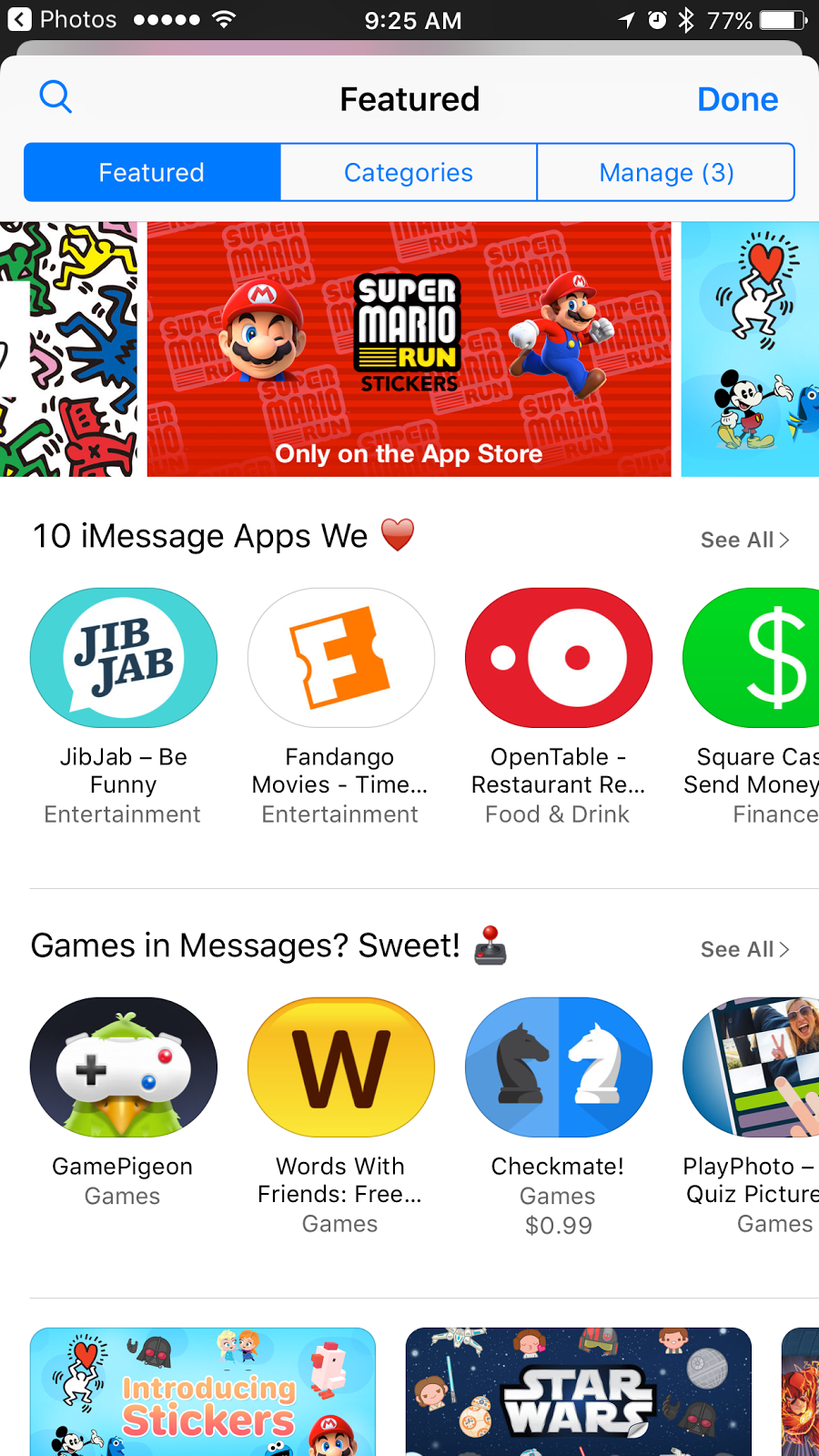
Last week Apple came out with one of their biggest updates to their mobile operating system called iOS 10. This update added a lot of different functions but by far the most talked about was the changes to its Messages app.

I took a bunch of screenshots of a conversation I had and tried to show all of the different things you can now do.


You can add memes.


Add stickers to a conversation or a photo.


Draw on a photo.


Send message effects.


Send in Loud, Gentle, and what I thought was really cool… invisible ink.


You can play games in your messages.


There are Digital Touch options like sending your heart beat, a burst, drawings, and much more


Canvas, Evernote, and other productivity apps have Message features so you can share easily.


I could go on and on but this week Google came out with messaging app called Allo. It has some of the same functions that Apple’s messages.

Change font size.


Share location.


Send audio.


Stickers (but not really as good a selection as Messages)


Its artificial intelligence suggests responses based on your


What really makes it special is the Google Assistant. It can find restaurants, movies, and weather. 
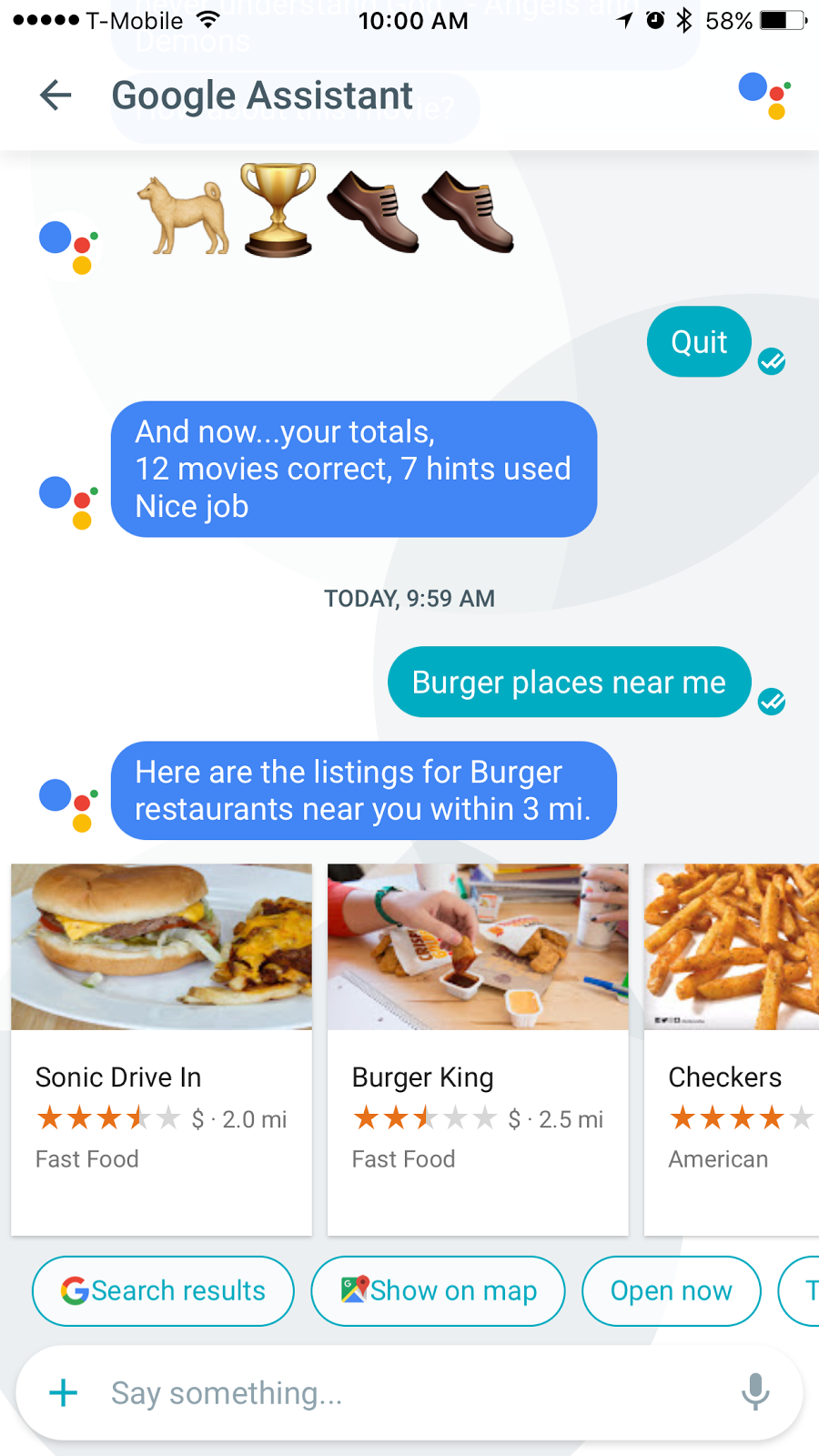

You can have it pull up your travel data. It can play a game with you.


You can delete your conversations, block users, and more in your settings.

Talking with a friend that has an Android phone I found out that there are certain functions like sending files from Google Drive or Google Photos from within the app only available on Android. Allo is not available on desktop devices or older Android devices. Apple's Messages for iOS 10 only works on iPhone and iPad so all of the functions are not available to non-Apple users or at this time on the Mac.

One of the issues that some technology reporters have called “disappointing” and “concerning” is that Google is storing and tracking users’ conversation data. There is an “Incognito” mode where messages are encrypted end-to-end, meaning that it is private but you have to set that up for each conversation you begin. Many people feel that privacy should be by default. In contrast, Apple does not collect, store, or view conversation data.

Wednesday, February 3, 2016

Apps for Entreprenuers

Fuze: The Small Meeting Multi-Tool

Fuze allows you to set up quick videos. Users can host and manage up to three participants, 12 video feeds and 1GB of cloud storage. The best part is that it allows content sharing, you can send and received PowerPoint presentations, Word docs, PDFs and high-

resolution images from the app itself. There are some really cool features such as smart white board that allows users to write on pictures and videos to better communicate their ideas. You can record your meetings and share them later.

If you need to scale, check out Fuze Premium, which can support up to 250 participants and has enterprise management features. The app is free and is available for Mac, Windows, iPhone, iPad, and Android.

For more information check out: https://www.fuze.com

Flyp: Multiple numbers or Multiple Countries

Flyp allows you to get multiple numbers for your phone. You can make calls or send texts to the U.S. and 15 other countries where Flyp is available (more countries added soon), all within one app.

It works over cellular channels, so it turns all your calls into local calls, covered by your current service plan. It does not incur data charges.

This app is a great help if you have clients across the world, and you need something more reliable and professional than VoIP solutions and at a good price.

Users get one phone number for free and then each additional line is $2.99 a month or $29.99 a year. Available for iPhone and Android. More information available at: http://getflyp.com/

Android: https://play.google.com/store/apps/details?id=flyp.android
iPhone: https://itunes.apple.com/app/id940678351


City Maps 2Go Offline Maps: Traveling Without a Data Plan

One of the issues with foreign travel is expensive or nonexistent data, with this app you can download maps of the cities you plan to visit and it will incorporate your GPS to help you get around.

It can still help you find the bars, monuments, restaurants with out needing to connect to Wi-Fi or cellular data.

Only a few maps are available on the free version, so you may have to pony up for the map you need with the premium app.

iPhone: https://itunes.apple.com/us/app/city-maps-2go-pro-offline/id327783342?mt=8
Android: https://play.google.com/store/apps/details?id=com.ulmon.android.citymaps2go&hl=en

Duolingo: Learn Foreign Languages

Do you have clients, customers, or friends that speak Spanish? Chinese? Japanese? Dutch?

The app allows you to learn languages in a game style fashion that makes it fun. The app will remind

you to practice and if you have friends that use the app you can have some friendly competition.

The website has some additional tools and a section where users can read and translate articles to hone their skills.

Learn more or sign up at: https://www.duolingo.com/
iphone: https://itunes.apple.com/us/app/duolingo-learn-languages-for/id570060128?mt=8
Android: https://play.google.com/store/apps/details?id=com.duolingo&hl=en


OFFTIME: Eliminate the distractions

There are times that we need to focus and eliminate all the distractions that our smart phones provide.
OFFTIME allows you to block your calls, texts and notifications, send auto-replies and restrict access
to distracting apps.

The app also tracks phone usage, app usage, and other smartphone activity, but you have to keep the

app running which may decrease battery life.

Some people need the monitoring and assistance to focus, some may just be curious about their phone usage.

Unfortunately for iPhone the app costs $2.99, it is free for Android but only certain features work to

unlock all the features there is a charge.

Learn more: http://offtime.co/
iPhone: https://itunes.apple.com/us/app/offtime-light-track-how-much/id974022309?mt=8
Android: https://play.google.com/store/apps/details?id=co.offtime.kit