Showing posts with label Camscanner. Show all posts

Thursday, December 8, 2016

Photo Scanning Apps

Google recently released a photo scanning app that had mixed reviews. I began to wonder if there were other apps that did the same thing, and which is the best. I did a side by side comparison.


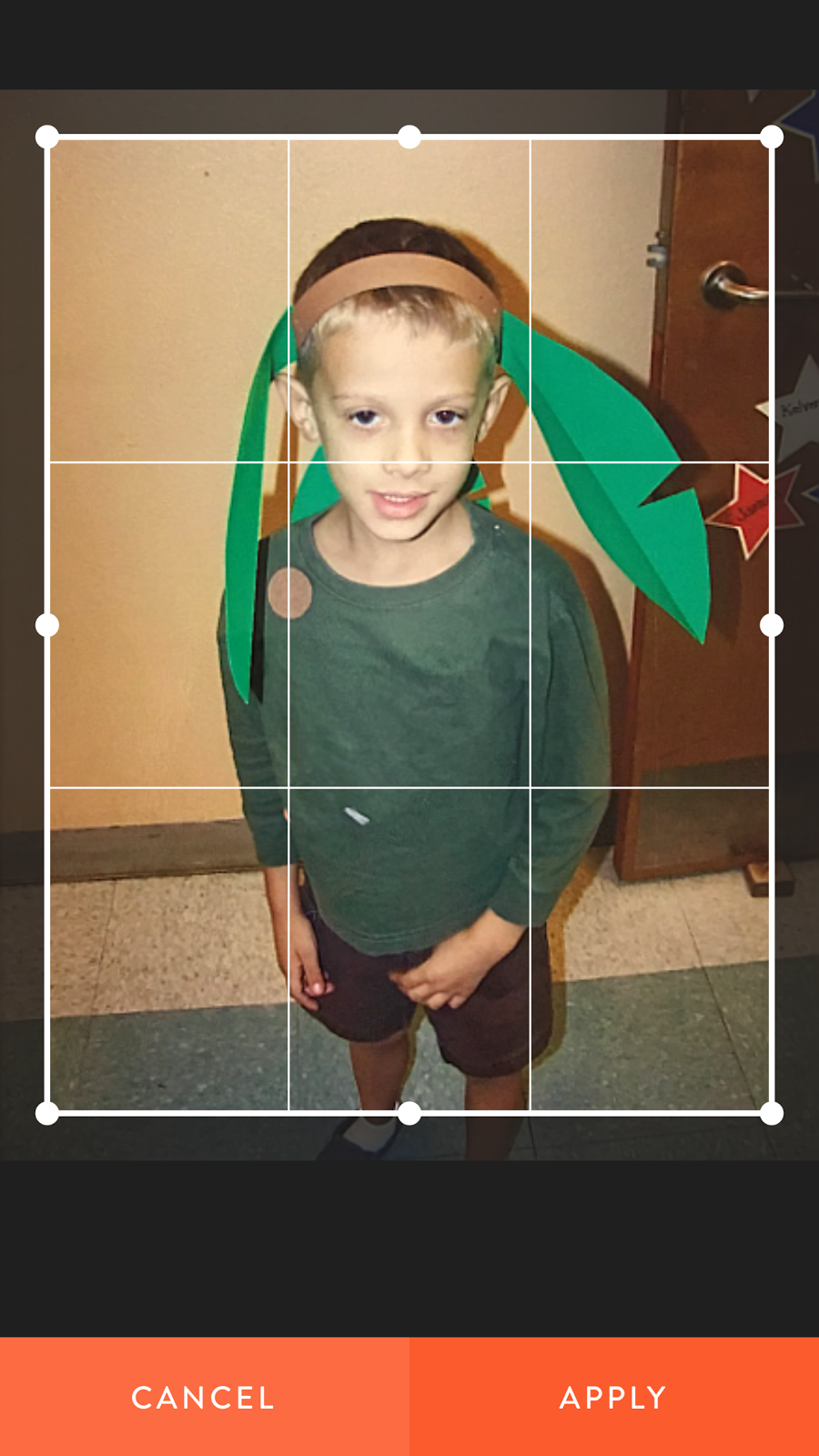
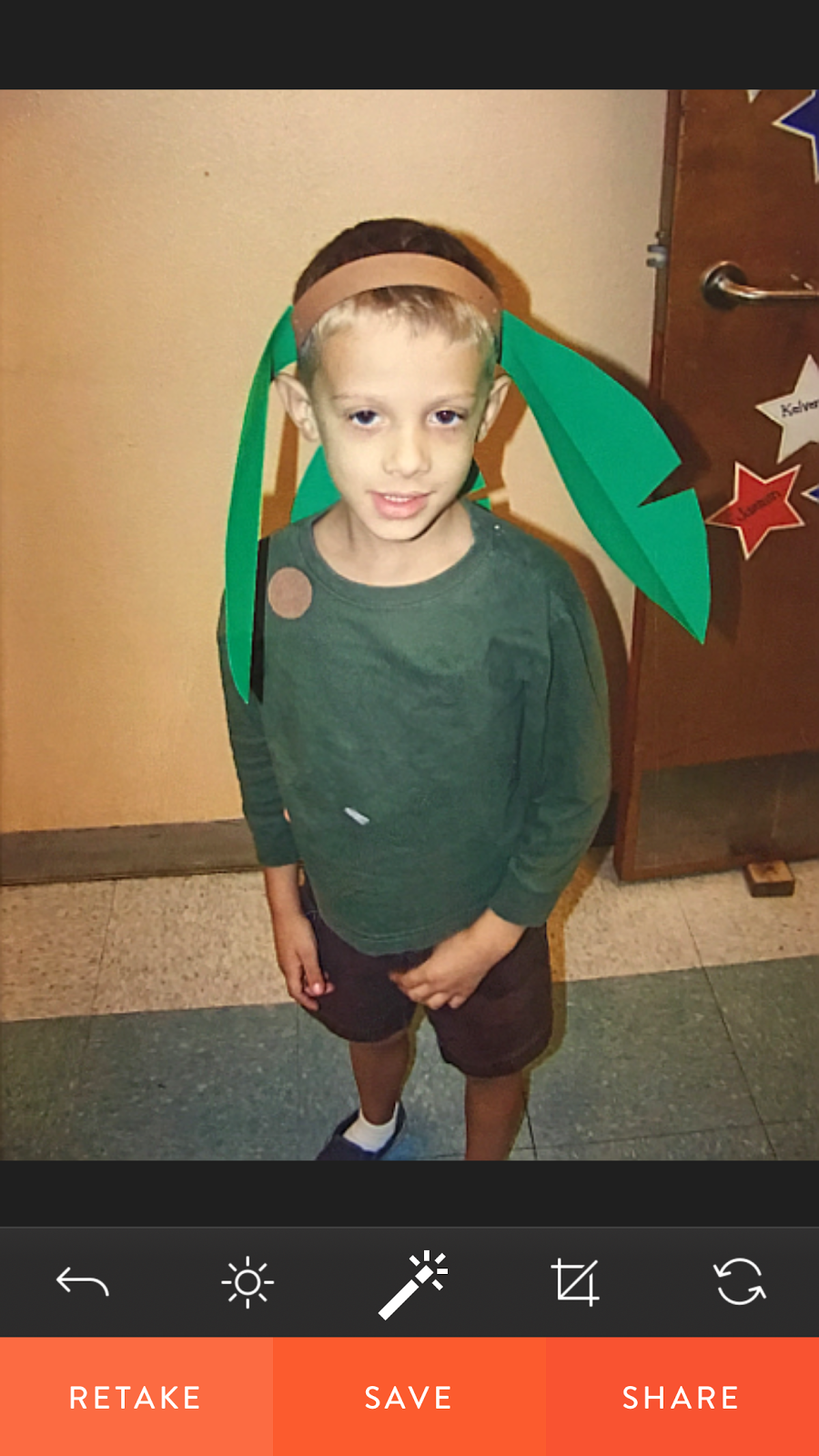
CamScanner (Free) Android and iOS - Usually used for document scanning this app does really well at lining up the photos, cropping, and sharing. The photo quality was good but not great. The photo adjustment / filters features were good not great. https://www.camscanner.com

CamScanner scanning interface
CamScanner adjustment interface
Heirloom (Free) Android and iOS - Heirloom had the nicest user interface. It also has really nice photo adjustments and filters. The app had the best photo quality of the apps tested. The app's focus is on album creation and sharing, but users would have to convince friends and family to download the app. https://www.heirloom.net/

Heirloom cropping interface
Heirloom adjustment interface


PhotoScan by Google (Free) Android and iOS - The app does a good job of trying to eliminate glare and automatically cropping but I found that the photos were a bit blurry. It does a great job at saving and sharing but no adjustments or filters. https://www.google.com/photos/scan/


PhotoScan by Google scanning interface

Pic Scanner (Free with in-app purchases) iOS only - I found the app easy to use. The app tells users that they have the photo lined up. It does well at cropping but unfortunately the app limits the number of photos users can save or share to twelve (more than that costs $2.99). http://m.appinitio.com/

Pic Scanner scanning interface
Pic Scanner adjustment interface


Side by side with each app.
PhotoScan by Google

Pic Scanner

Heirloom

CamScanner


Side by side and I included one with the Camera on my iPhone.

PhotoScan

Pic Scanner

Heirloom

CamScanner

iPhone Camera

Side by side with my top three favorites Cam Scanner, Heirloom, and the iPhone camera.

CamScanner

Heirloom

iPhone Camera

These last two were Heirloom and the iPhone camera with both I used the adjustment and filters.
iPhone Camera with adjustments

Heirloom app with filter
I felt that the Heirloom app performed best and the iPhone was a close second. From all my research it seems that flat bed scanners or a SLR camera with a macro lens are superior for getting the best quality. This website gives instructions for taking the best scans possible of your photos with either one  https://www.cnet.com/how-to/how-to-scan-and-archive-your-old-printed-photos/

Thursday, September 29, 2016

Scanning Apps

There are times when you want to save receipts, business cards, an article from a magazine, or someone wants a copy of a document sent to them as a PDF (portable document file format). Scanning apps can help you accomplish all of this and more. Allowing you to share documents or save them on your device or put them in cloud storage. Below are the four best:

Finescanner (Free) iOS and Android. - This app is easy to use and automatically finds the edges. You can save or send the image (JPG)  or document (PDF). The OCR (optical character recognition) allows you to search scanned items in 193 languages. It has a book mode that makes copying two pages at once easier.There are subscription premium features available for purchase (as seen in one of the pictures). http://www.finescanner.com/


Genius Scan (Free) iOS and Android. - I really like the simplicity and ease of use for this app. It automatically found the document and took the picture. Re-cropping and making corrections are very easy. It has multiple print options. Users can upload the item to cloud storage, a FTP server, other apps like Expensify, or e-mail it. Users can save or send as an image (JPG) or document (PDF). If you use their signing or faxing app you can easily transfer your item to either. There are premium add on features that you can purchase (shown in one of the pictures below. http://www.thegrizzlylabs.com/genius-scan/


Scannable by Evernote (Free) iOS only. - If you are a fan of the productivity app Evernote this may be the scanning app for you. The design of the beautiful and easy to use. I think this app works well, especially the auto capture and auto crop. It allows you to send multiple ways as an image (JPG) or document (PDF) or as a Scannable document in your Evernote account. They also have a scanning machine that you can use to automate the scanning of                                                               multiple items. https://evernote.com/products/scannable/


CamScanner Free (Free) iOS and Android - This is one of the first and one of the best scanning apps. I have longest and it was one of the first apps I ever downloaded. Users can easily scan, save, and share items as documents (PDF) or image (JPG). Use the OCR (optical character recognition) or tags to easily find items you've saved. There are premium features that you can subscribe to use and there is a premium version of the app for .99, but I have had the app for over three years and never needed those features. https://www.camscanner.com/